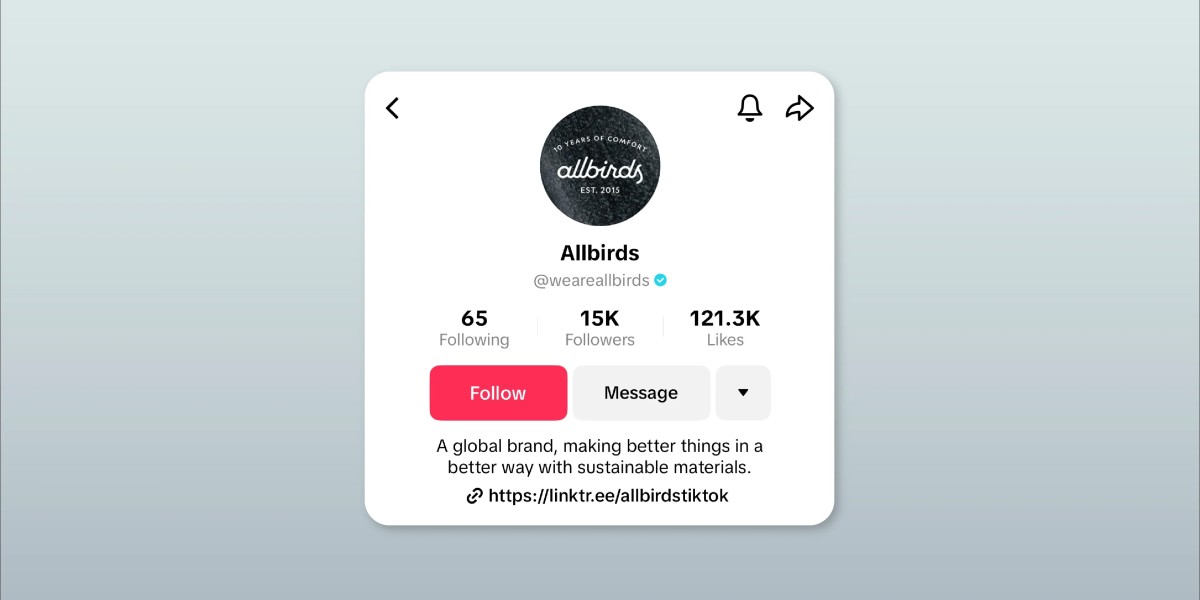

You’ve probably heard that TikTok is great for driving traffic, but figuring out how to put a link in your TikTok bio can feel surprisingly complicated. One minute you’re searching for the “Website” field, the next you’re wondering if you need 1,000 followers or a business account. The good news? It’s simpler than you think—once you know where to look.
That single clickable link is one of the most valuable pieces of real estate on your profile. Whether you’re promoting a YouTube channel, an online store, or growing your email list, knowing how to put a link in your TikTok bio correctly can make or break your conversion rates. Let’s walk through exactly how to do it, what to do if you don’t see the option, and how to make that link work harder for you.
Switch to a Business Account to Unlock the Link Feature
Before you can add a clickable link, you need the right account type. Standard personal accounts don’t have access to the “Website” field—this is the most common reason people struggle with how to put a link in their TikTok bio.
Switching to a Business Account takes about 60 seconds and is completely free. Open TikTok, go to your profile, tap the three-line menu, select Settings and privacy, then tap Account and choose Switch to Business Account. Pick a category that fits your content, and once confirmed, you’ll immediately unlock the link feature. Some older guides mention needing 1,000 followers, but that’s no longer the case—the key is having a Business Account.
Add Your Website Link to the Profile
Now that you’ve switched account types, the “Website” field will appear in your profile settings. Go back to your profile, tap Edit profile, scroll down to the Website field, paste your full URL (starting with https:// or http://), and tap Save. Your link now appears directly under your bio. Be sure to test it opens correctly.
One important note: you must use the mobile app to add or edit your bio link—the desktop version doesn’t support this feature.
What to Do If You Still Can’t Add a Link
If you’ve followed the steps but still don’t see the Website field, double-check that you’re on a Business Account by looking for “Analytics” in Settings. If you pasted a link while on a personal account, delete it, switch account types, then re-add it. In some regions, the link feature may not have rolled out yet.
If you’re stuck without the clickable link feature, you can still add plain-text URLs to your bio and mention them in video captions—it’s not ideal, but it gives followers a way to find you.
Use a Link-in-Bio Tool to Add Multiple Links
Here’s the thing about how to put a link in your TikTok bio: TikTok only gives you one link slot, but most creators need to share multiple destinations. That’s where link-in-bio tools come in. They let you create a simple landing page that holds all your important links—you put that single URL in your bio, and visitors see a menu of options.
For personal branding, Biovelt is a solid choice. It’s completely free and allows you to add as many links as you want with no limits. You can choose from different themes to match your brand aesthetic, and built-in link tracking shows you exactly how many clicks each link gets—useful for understanding what your audience wants.
Optimize Your Bio Link for More Clicks
Adding the link is just the first step. To make it work, add a clear call-to-action in your bio. Instead of a generic “link in bio,” try something specific like “Full tutorial here ?” or “Shop my latest collection →.” Short and direct performs better than clever but vague.
Promote your link in videos—mention it, add on-screen text like “Link in bio,” and use captions to reinforce it. Finally, keep your link updated. If your latest video is about a specific product, make sure your bio link points to that exact page, not your homepage.
Conclusion
Knowing how to put a link in your TikTok bio turns your profile from just another account into a functioning part of your marketing funnel. Start by switching to a Business Account, add your URL, and test it. Consider using a link-in-bio tool like Biovelt to expand what you can share, and keep your content and link aligned so viewers always know why they should click. A few minutes of setup now can save you weeks of wondering why people aren’t finding their way to your site.