
Every manufacturing shop eventually reaches a critical crossroads. You need to expand production capacity, scale custom output, or replace aging equipment, but you face a classic debate: Should you invest in an automated CNC router, or rely on traditional manual machining techniques like mills and lathes?
Choosing the wrong technology can bleed profits through lost time, excessive scrap material, and inflated labor costs. Both approaches cut, shape, and form materials, but they function differently, handle distinct workloads, and serve different business strategies.
This guide breaks down everything manufacturers need to know about CNC routers versus traditional machining, covering technical capabilities, ROI factors, operational flexibility, and how to choose the right setup for your shop floor.
Defining the Core Technologies
Understanding the operational differences between modern computer-controlled routers and traditional manual machining helps clarify why each tool excels in specific applications.
What Is a CNC Router?
A CNC router is a computer-numerical-controlled cutting tool designed primarily for rapid processing of large sheet goods and softer materials. Driven by digital CAD/CAM files, the router spindle moves along three or more axes (X, Y, and Z) to cut, carve, drill, and shape materials with incredible repeatability.
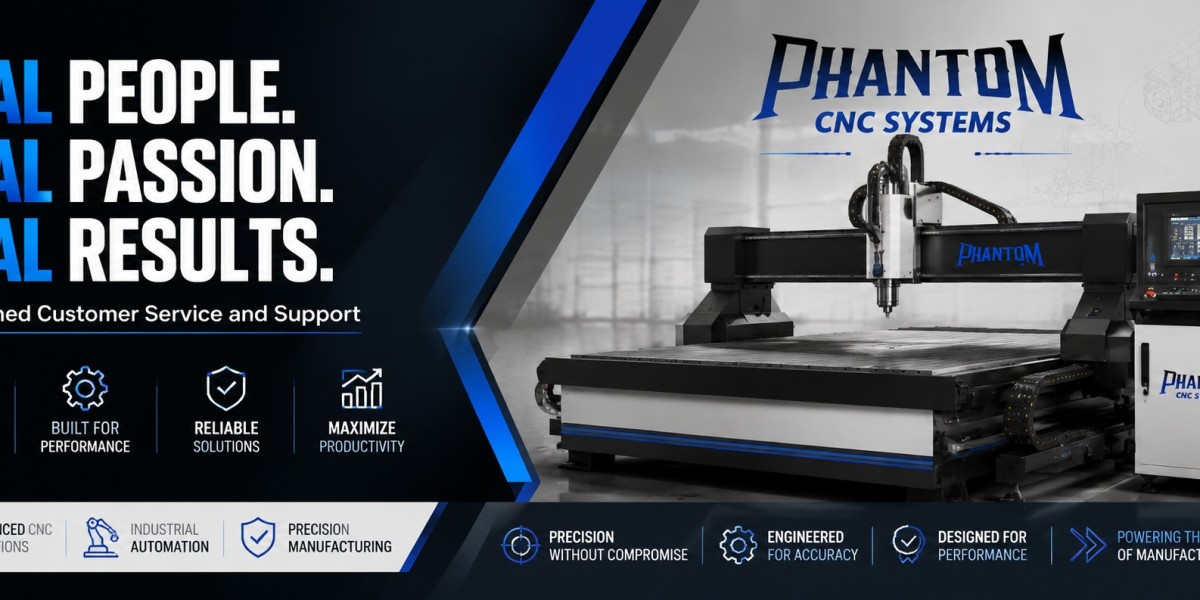
Modern systems, such as a Phantom CNC System, combine high-speed spindles with heavy-duty gantry frames and vacuum hold-down tables. This allows operators to load full 4x8 or 5x10 foot sheets of material, press start, and execute intricate cuts across an entire panel in minutes.
What Is Traditional Machining?
Traditional machining relies on manual or semi-automated machinery operated directly by a skilled machinist. Tools like Bridgeport mills, manual engine lathes, drill presses, and shapers require a human operator to adjust handwheels, set feed rates, and reposition workpiece clamps for every cut.
While manual machining requires years of hands-on expertise to master, it remains invaluable for one-off repair parts, simple modifications, and thick metal block square-ups.
CNC Routers vs Traditional Machining: Detailed Head-to-Head Comparison
To evaluate which technology fits your shop, let us look at the primary operational metrics side by side.
| Operational Metric | CNC Routers | Traditional Machining |
| Primary Material Focus | Wood, plastics, aluminum, composites, foam | Hard metals, steel, titanium, dense alloys |
| Working Area | Large panel formats (4x4 ft to 10x20 ft+) | Small to medium vise/table envelopes |
| Cutting Speed & RPM | High spindle speed (12,000 to 24,000+ RPM) | Moderate spindle speed (50 to 4,000 RPM) |
| Dimensional Tolerance | Precise (typically +/- 0.002 to 0.005 inches) | Ultra-precise (up to +/- 0.0005 inches) |
| Labor Requirement | Single operator manages multiple units | Dedicated skilled operator per machine |
| Setup Time per Batch | Fast once CAD/CAM program is generated | Time-intensive manual fixture adjustments |
5 Critical Factors for Manufacturers to Consider
When choosing between a modern router platform and conventional manual machinery, five core business factors dictate the best return on investment.
1. Workpiece Dimensions and Material Types
If your shop works with large sheet goods like plywood, MDF, acrylic, sign foam, or non-ferrous sheet metal like aluminum, a CNC router is vastly superior. Manual mills simply cannot handle a 4x8 sheet of material without complex repositioning.
Conversely, if your daily output consists of solid steel billets, heavy iron castings, or dense engine components, traditional heavy-duty mills or manual metal lathes provide the structural rigidity needed to chip away tough ferrous metals without tool chatter.
2. Production Speed and Volume Capabilities
Speed is where automated cutting shines. A CNC router executes pre-programmed toolpaths continuously, making high-volume panel cutting, cabinetry fabrication, and repetitive component manufacturing nearly effortless.
Traditional machining requires manual intervention at every step. A operator must crank dials, verify dimensions with calipers after each pass, and manually swap tools. For small batches or production runs of hundreds of units, manual machining cannot keep pace with digital automation.
3. Precision, Tolerances, and Surface Finish
Precision requirements often define equipment selection:
Tight Tolerances
When tolerances must remain within sub-thousandths of an inch on hardened steel aerospace parts, heavy manual machinery or metal CNC mills excel due to rigid construction and minimal vibration.
Panel Repeatability
When holding tight, consistent tolerances across a full sheet of material, modern router systems provide exact repeatability piece after piece, eliminating human measurement error.
4. Skill Requirements and Labor Costs
Finding master machinists who can operate manual mills with high precision is increasingly difficult in today's manufacturing market.
With a streamlined digital workflow using a Phantom CNC System, new team members can learn CAD/CAM software and basic machine operations quickly. This reduces dependence on rare manual craftsmanship and allows one team member to supervise multiple automated machines simultaneously.
5. Equipment Investment and Operational ROI
While a high-performance CNC router requires an upfront capital investment, the payback period is often surprisingly brief. Increased throughput, reduced material waste from optimized sheet nesting, and lower labor costs per part quickly offset the initial equipment expenditure.
Traditional manual machinery carries a lower upfront purchase price on the used market, but higher labor hours and slower output make long-term cost per part higher for repetitive production.
When to Choose a CNC Router
A CNC router is usually the best investment if your business fits these criteria:
You manufacture cabinetry, furniture, architectural woodwork, or commercial millwork.
You produce signs, plastic displays, marine components, or aluminum enclosures.
You need to process large sheet goods efficiently using nested vector toolpaths.
You want to scale production without multiplying your skilled labor headcount.
When Traditional Machining Remains Essential
Traditional manual machining still holds a permanent place on shop floors for specific tasks:
Maintenance and repair operations (MRO) that need quick, one-off modifications without drafting CAD files.
Heavy metalworking shops working exclusively with thick steel stock or iron castings.
Tool and die making requiring ultra-tight manual tool setups and customized hand finishing.
Actionable Steps to Transition Your Shop Floor
If you decide to upgrade your production from manual processes to automated cutting, follow these steps to ensure a seamless implementation:
Audit Your Current Workflow: Identify bottlenecks in your shop. Are operators spending hours manually cutting parts that could be nested digitally?
Standardize CAD/CAM Software: Select user-friendly design and toolpath software (like VCarve, Fusion 360, or Alphacam) to convert designs into clean machine code.
Optimize Material Workholding: Invest in a reliable vacuum hold-down system so full sheets can be loaded and cut without time-consuming manual clamping.
Train Your Team: Focus training on software preparation, machine safety, feed and speed optimization, and routine maintenance.
Frequently Asked Questions
Can a CNC router replace a traditional milling machine completely?
Not entirely. While a CNC router easily handles sheet materials, plastics, wood, and soft metals like aluminum, heavy steel and hard alloys still require the rigidity of a metal milling machine.
Is it hard to learn how to run a CNC router if you come from manual machining?
Experienced manual machinists usually adapt to CNC routers quickly. They already understand feeds, speeds, and tool engagement. The main adjustment is shifting from physical handwheels to software programming and CAD file preparation.
How does vacuum workholding compare to manual clamping on a shop floor?
Vacuum workholding secures entire flat panels uniformly across the spoilboard in seconds. Manual clamping requires securing edges individually, which takes longer and risks tool collisions if clamps sit in the cut path.
Final Thoughts for Shop Owners and Managers
The choice between CNC routers and traditional machining is not about deciding which technology is universally better. It is about matching the right machinery to your materials, output volume, and business goals.
For shops working with sheet materials, non-ferrous metals, composites, or volume panel production, integrating an automated machine platform like a Phantom CNC System modernizes operations, maximizes material yield, and delivers the throughput necessary to thrive in competitive markets.